3D model of the structure (BIM/IFC)
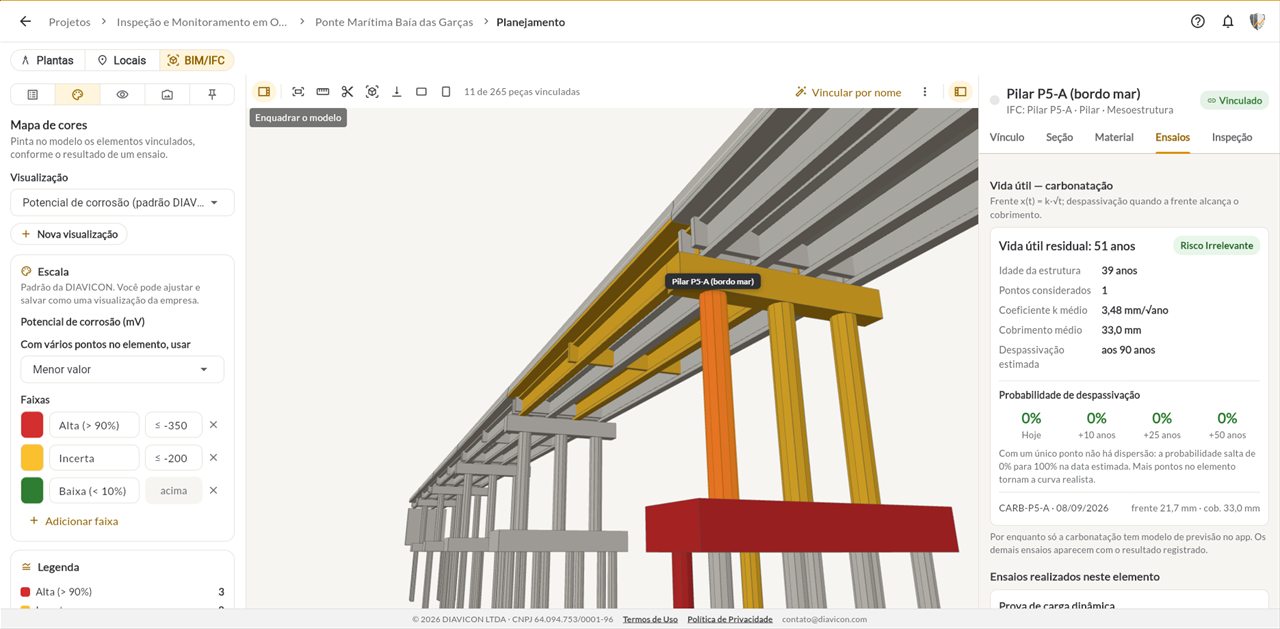
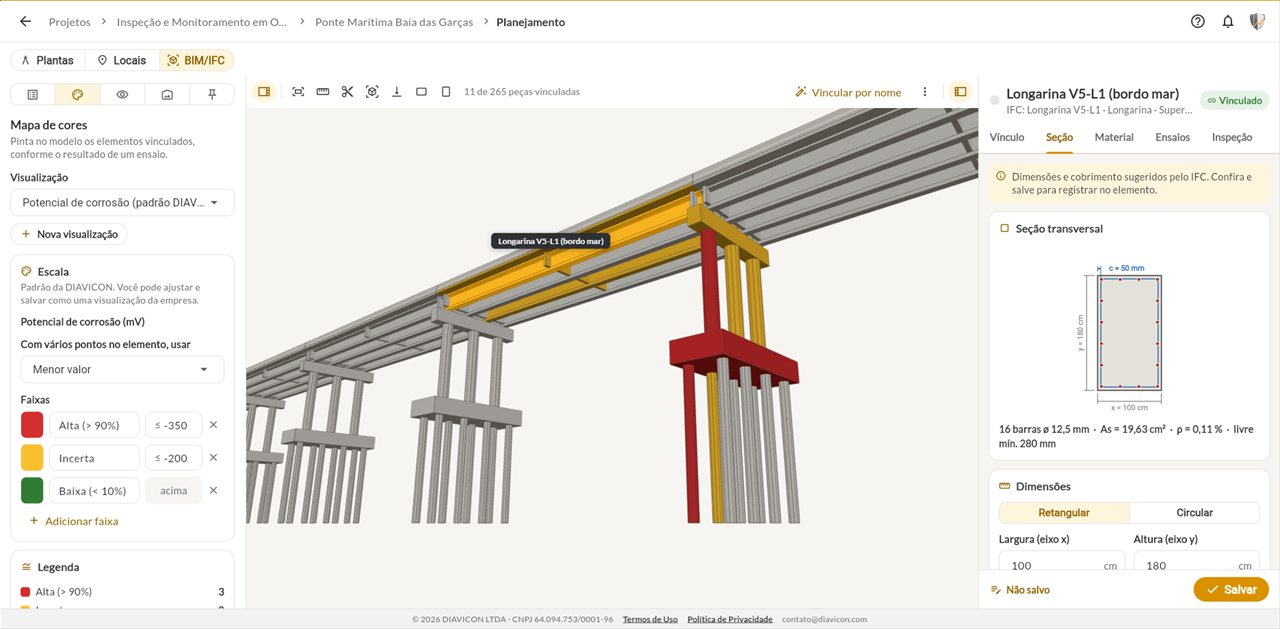
View the 3D model of the structure, in .IFC and .GLB, together with the photogrammetry, colored by the test results. Available on the Enterprise plan.


DIAVICON web app
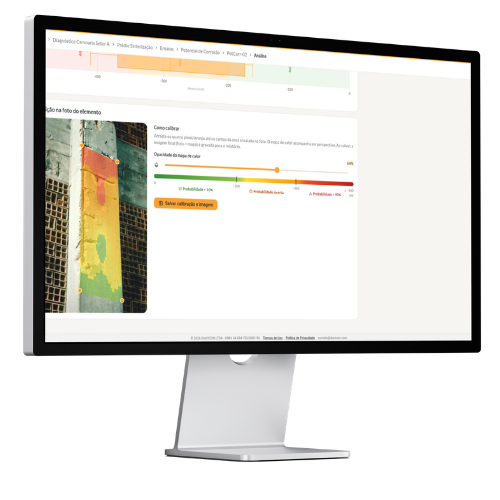
Everything the team records in the field reaches the browser organized by project, structure and element. Analyze each point, compare elements, build dashboards and issue reports without installing anything.
Freemium plan: free, with 1 user and 250 MB of storage. The platform interface is currently in Portuguese.
Features
View the 3D model of the structure, in .IFC and .GLB, together with the photogrammetry, colored by the test results. Available on the Enterprise plan.
The same organization as the app: each structure shows its elements, the contracted tests and the progress of each one.
Open a point to see readings and conclusion, or compare all elements of the structure in charts and tables.
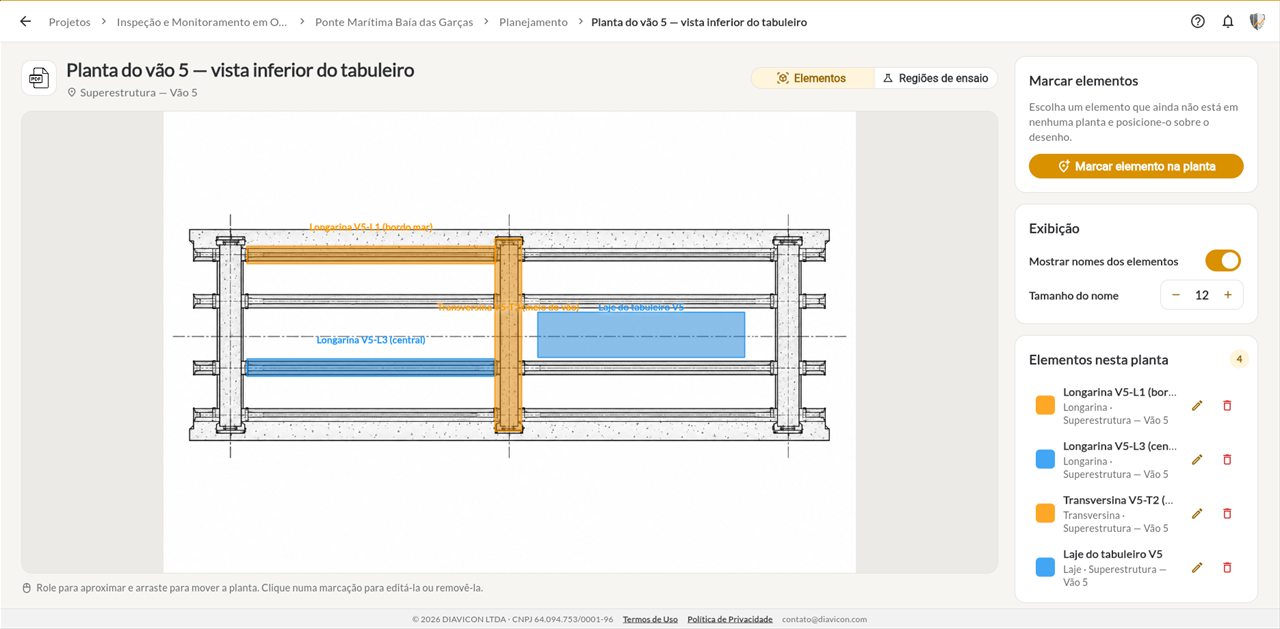
Upload the floor plan and mark the elements and test areas before going to the field.
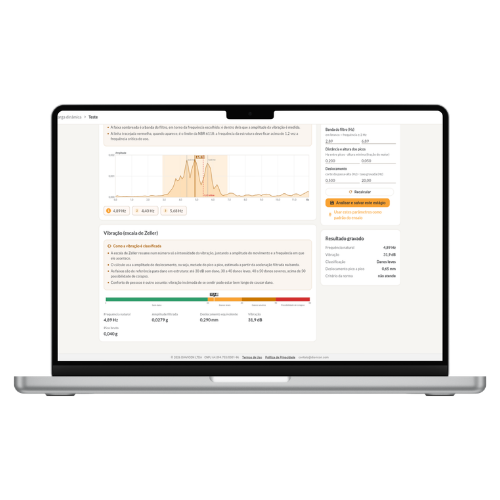
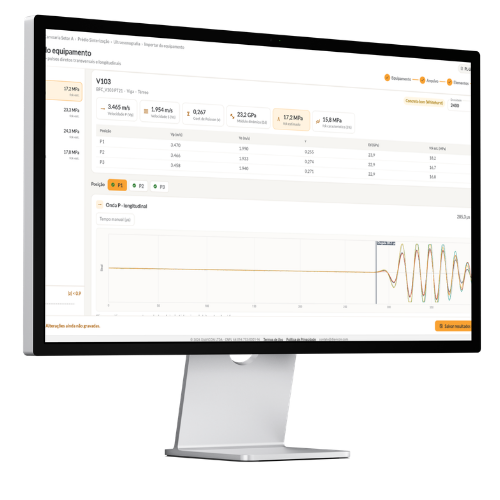
Bring ultrasonic and accelerometer files into the platform and process the signal right on screen.
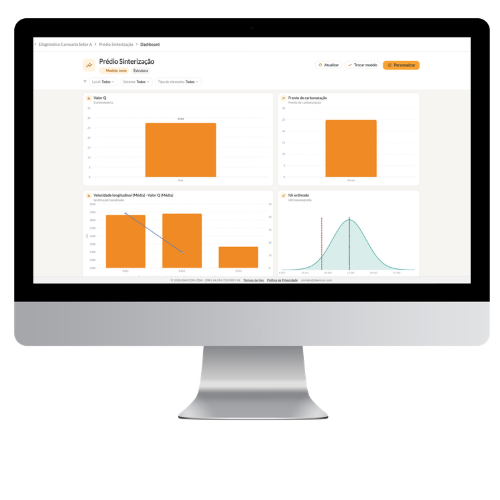
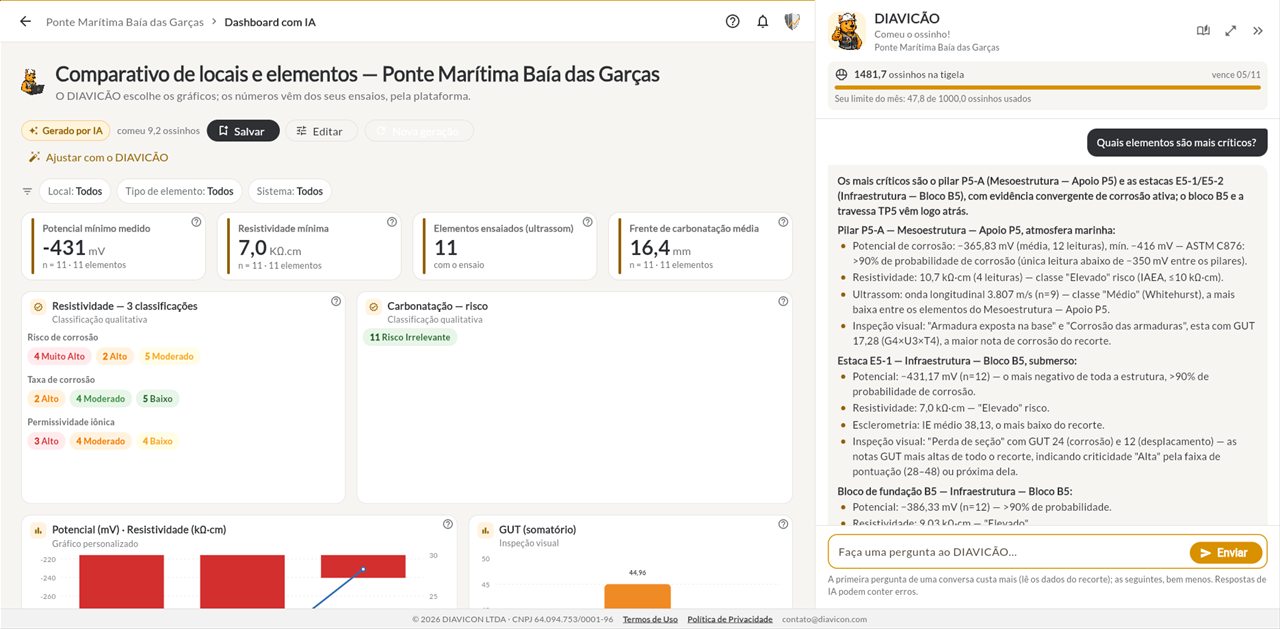
Build dashboards with the charts that matter for that structure and track how it evolves.
Ask DIAVICÃO for a report or a dashboard and get a first version built with the structure data.
Define your company's report template once and generate the documents from the collected data.
Boost productivity
Less time building spreadsheets and documents, more time for the diagnosis.
BIM/IFC
Upload the structure model in .IFC or .GLB, with the photogrammetry, and link the components to the tested elements. The model is colored according to the result of each test.
Analysis
Open each test point with readings, charts and conclusion, or compare all elements of the structure at once.
Equipment
Bring ultrasonic and accelerometer files into the platform and process the signal right on screen.
Planning
Upload the floor plan and mark the elements and test areas before going to the field.
Dashboards
Build dashboards with the charts that matter for that structure and use them to present the results to the client.
DIAVICÃO
Describe what you need and DIAVICÃO, the platform assistant, builds the report or the dashboard with the structure data. You review, adjust and sign.
Mobile + web
The mobile app is built for collecting: photos, readings and the location of each point. The web platform receives that data under the same account and is where analysis and reporting get the space they need.
Explore the mobile app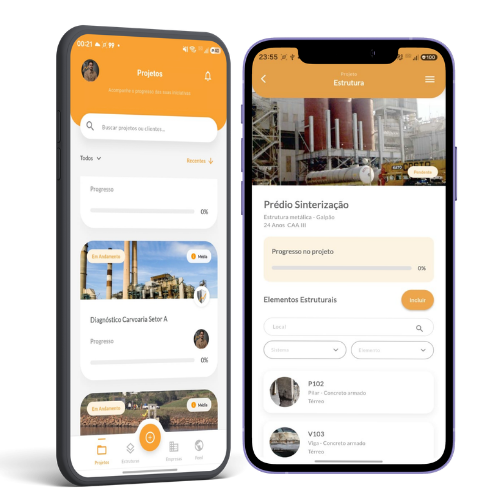
Methods

Rebound hammer test, ultrasonic pulse velocity, core extraction, cracks, load tests and liquid penetrant.
View pageCarbonation front, corrosion potential, electrical resistivity and chlorides.
View pageMortar bond strength, ceramic tile bond strength and anchor pull-out test.
View pageDefects with photos, position on the floor plan and prioritization by the GUT method.
View pageFree trial
Use DIAVICON on a real project before you decide. As your operation grows, the paid plans add offline work, more users and storage, reports, dashboards, AI and a structure monitor.
Compare all plansQuestions

Didn't find your question?Write to contato@diavicon.com.
No. The DIAVICON web platform runs in the browser: just go to it, sign in with your account and get started.
Yes. What the team records in the app shows up on the web platform under the same account, and what is configured on the web applies to the app.
Yes. The platform imports ultrasonic and accelerometer reading files (dynamic load test) and processes the data right on screen.
Yes. On the Enterprise plan you upload the 3D model of the structure in .IFC or .GLB, with the photogrammetry, link the components to the elements and see the model colored by the results of the tests and the visual inspection.
Analysis per test point and overall analysis of the structure, with charts, tables, statistics and conclusions for each method, plus heat maps for the corrosion potential test.
The Freemium plan is free and includes 1 user, 250 MB of storage and the full analyses. Reports and dashboards are on the Advanced and Enterprise plans.
Create your account, add the structure and watch your field data turn into charts.
Try it free